Are you looking for a way to produced more polished video content for your courses? Then the Digital Media Studio (DMS) Hands-on workshop on Wednesday, February 8, at 2:00 pm is for you! Housed in the DMS are two standalone video recording tools that you can use to enhance your course. This workshop will provide you with the necessary skills to operate both the One Button Video Studio (OBVS) and the Lightboard so you can produce high quality videos for instruction.
The OBVS is a standalone video recording option that will help you take your asynchronous presentations and interviews to the next level. Unlike most screen capture and video conferencing tools, the OBVS has a green screen background that allows you to be seen on screen with your content. The look is similar to a newscast, and you can display slides in a box over your shoulder or as a full screen background. For conducting interviews, a variety of backgrounds are readily available. The result is high quality video content that can be reused in future semesters.
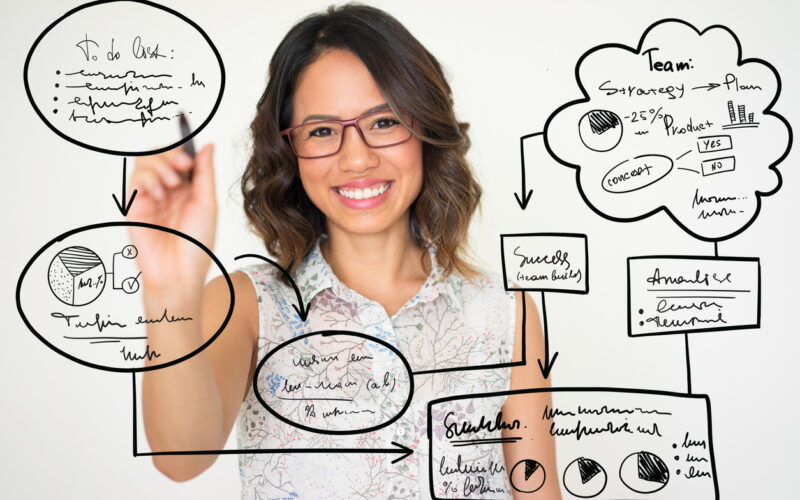
The Lightboard allows you to write on screen, similar to using a whiteboard in the classroom. It is well suited to recording shorter videos and mini lessons but also integrates with web conferencing software for conducting live sessions. Slide transparencies, which can be drawn or written on with the lightboard, can be created by placing images on a black background. Online tools, such as graphing calculators, can also be displayed if they have a black background.
To register for this or any other CITL workshop, please visit the CITL Workshops page.
