

How do you decide which digital engagement tool to use in your courses? Ideally, you would start with the pedagogy: what do you want students to learn and gain from the experience? If you can answer that question first, you’ll be in a better position to evaluate the tools available to accomplish your pedagogical goals.
Selecting the right tool for student engagement depends on what type of interaction you want students to have. Each tool supports student engagement in different ways and requires different learning design choices and engagement for instructors as well.
Understanding when to use Yellowdig can help faculty design more meaningful and sustainable opportunities for student interaction and learning. So, let’s discuss when using Yellowdig is the best choice—and when another tool might serve your needs better.
When is Yellowdig the best fit?
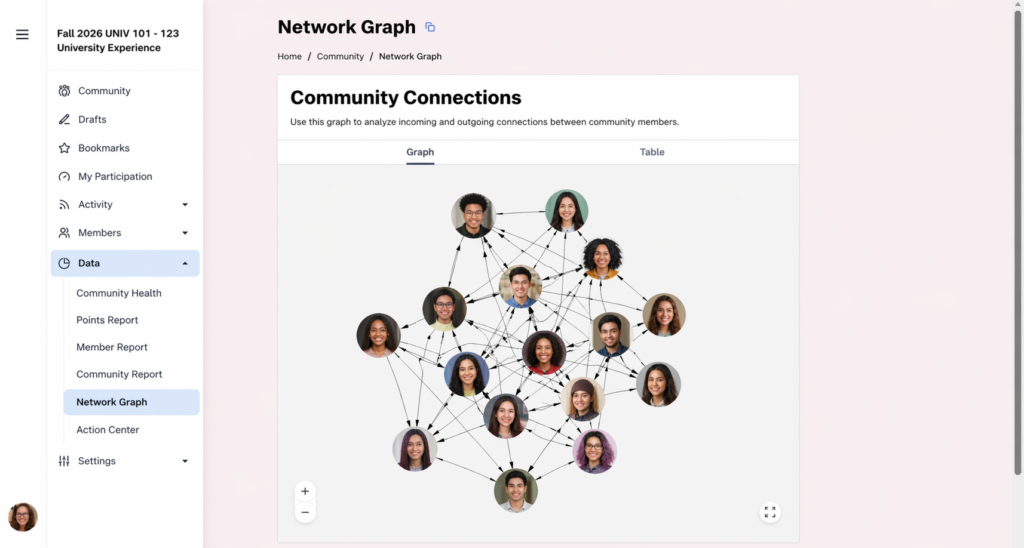 Yellowdig is designed to support ongoing, community-based, student-driven engagement. It’s not designed for isolated or sporadic interaction or for weekly discussion prompts a la a traditional discussion board. The appeal of Yellowdig is its private, social-media-style learning community design. When used effectively, Yellowdig emphasized authentic interaction, relationship-building, and student choice.
Yellowdig works best when you implement it to:
- Engage students regularly and organically (as opposed to the post-once-a-week, respond-twice-a-week cadence of a traditional discussion board)
- Have students share ideas, resources, and perspectives connected to course themes
- Build a sense of belonging and peer-to-peer connection in online, hybrid, or face-to-face courses
One of the main appeals of Yellowdig is its gamification features—points, reactions, and accolades. And its familiar social-media-style interface lowers participation barriers and encourages sustained interaction over time. It is most effective when used as a participation ecosystem, not a traditional graded discussion assignment. (While NIU isn’t limiting the use of Yellowdig at this time, depending on usage trends and budgetary concerns, it could be limited to those using it to its full potential and purpose in the future.)
How does Yellowdig compare to other engagement tools?
The chart below summarizes how Yellowdig differs from Blackboard discussion boards and social annotation integrations such as Perusall.
| Feature / Teaching Need | Yellowdig | Traditional discussion board (Blackboard) | Social annotation (Perusall) |
| Overall purpose | Builds an ongoing learning community through conversation, sharing, and interaction | Supports structured, assignment‑based discussion tied to specific prompts | Facilitates collaborative reading and meaning-making directly within course texts |
| Interaction style | Open‑ended, student‑driven, continuous throughout the course | Linear or threaded, instructor‑prompted, typically segmented by week or unit | Contextual, text-anchored discussion occurring in the margins of readings |
| Student experience | Social-media-like; uses posts, hashtags, comments, reactions; encourages informal tone | More formal, response-oriented, students post initial responses and replies to peers | Interactive reading; students annotate passages, respond to peers in situ, and see collective engagement patterns |
| Participation model | Points-based system tied to quantity and distribution of contributions over time | Quota-based (e.g., one post + two responses), deadline-driven | Algorithmically-assisted grading based on annotation quality, quantity, timeliness, and distribution |
| Instructor role | Facilitator and participant who supports conversation and community growth but doesn’t structure every interaction | Discussion leader; defines prompts, moderates, and evaluates responses | Designer of reading assignments; monitors analytics, clarifies misconceptions, intervenes selectively |
| Sense of community | High: explicitly designed to build ongoing peer connection and shared ownership | Moderate: focused on individual responses, compliance-driven | Moderate to high: community emerges around shared texts, though bounded to specific readings |
| Best used when you want to… | Promote ongoing engagement, peer interaction, and informal knowledge sharing across the semester | Assess comprehension, argumentation, and engagement with specific prompts or topics | Ensure students complete readings actively and collaboratively, and surface misunderstandings in real time |
How can I learn to use Yellowdig to its full potential?
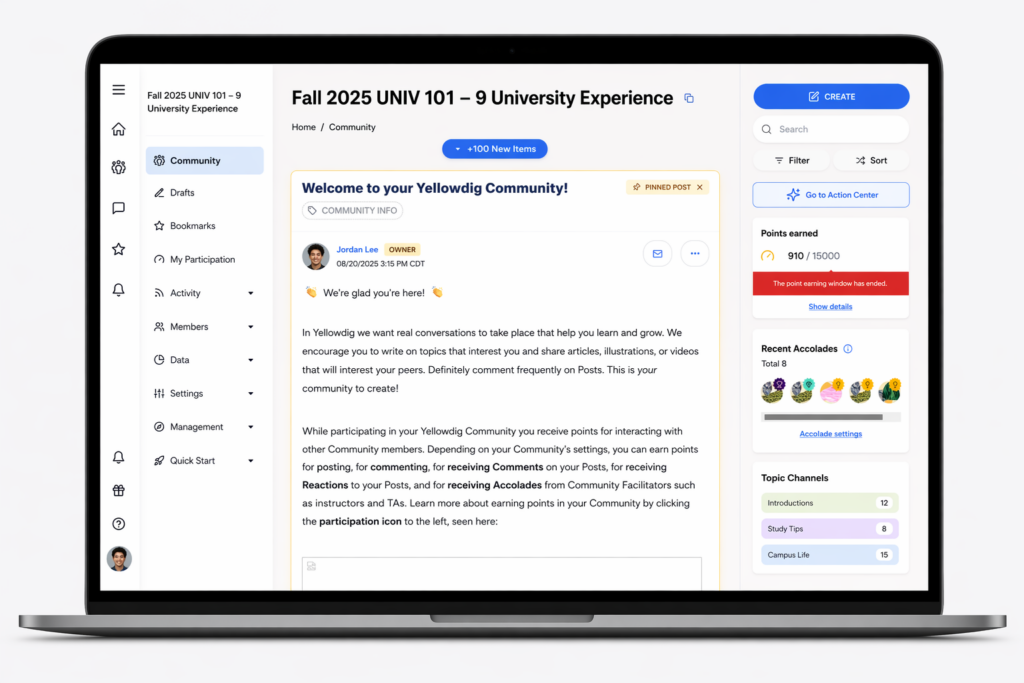 Faculty who plan to use Yellowdig (even those who have used it in the past/present) should strongly consider completing the Instructor & Designer Certification, which focuses on the pedagogical principles and design choices that actually drive meaningful engagement. The platform’s effectiveness depends heavily on how the community is structured; point systems, prompts, and instructor presence all shape whether participation is substantive or superficial. This training provides concrete guidance on setting up and sustaining a productive learning environment, not just using the tool’s features.
Additional Yellowdig resources:
- Yellowdig (NIU)
- Getting Started in Yellowdig FAQ [FOR INSTRUCTORS]
- Yellowdig Help Resources [FOR LEARNERS]
How can I use traditional discussion boards more effectively?
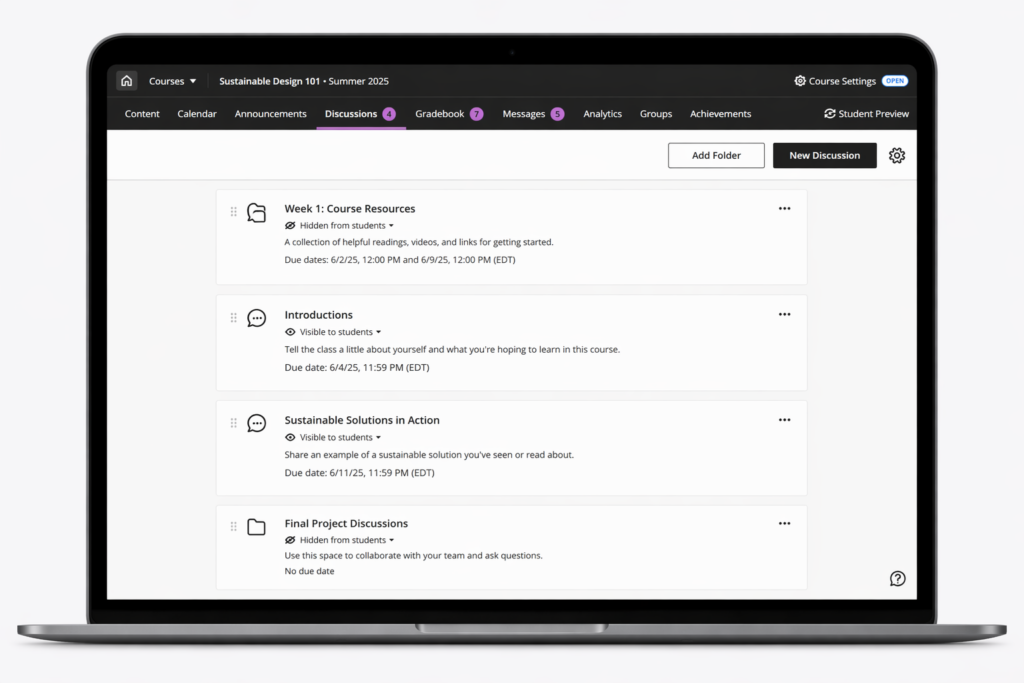 If you find that Yellowdig isn’t the right choice for your needs, the traditional discussion board can still be effective—with intentional design. Generic prompts and repetitive post-and-reply requirements tend to produce formulaic responses that are easy to outsource or generate with AI. To increase genuine engagement, focus on prompts that require specificity, perspective, and application; for example, asking students to connect course concepts to personal experience, critique a real-world case, or build on a peer’s idea in a concrete way. Varying the structure (e.g., student-led discussions, small-group threads, or rotating roles) and emphasizing interaction over completion can also shift the activity from a compliance task to a more meaningful exchange, making students more likely to contribute their own thinking.
Resources for building better discussions:
- Asynchronous Online Discussions: Tip for Instructors (U of Waterloo)
- Discussion Boards (Vanderbilt U)
- Engaging students in structured discussions in an asynchronous course (U at Albany, SUNY)
How can I learn more about social annotation using Perusall?
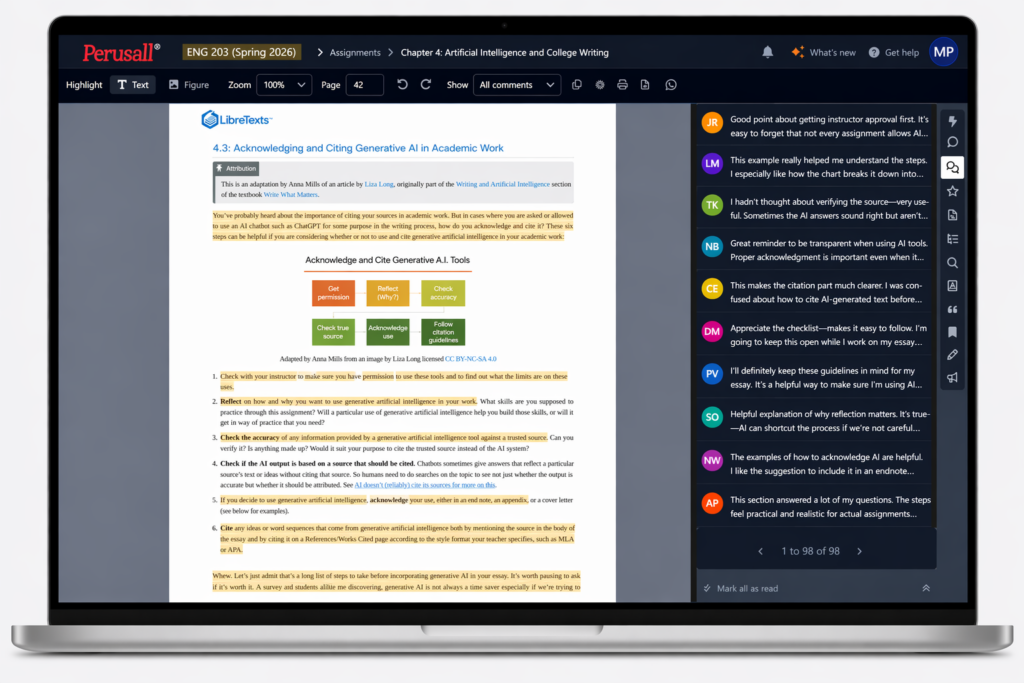 Faculty who want to explore social annotation with Perusall should start with the platform’s own instructor resources, which focus on both setup and pedagogy. Perusall provides concise guidance on creating effective annotation assignments, calibrating grading settings, and using analytics to identify where students are struggling or disengaged. The instructor support pages and onboarding materials are particularly useful for understanding how to structure reading tasks so that annotations move beyond surface comments and into substantive discussion.
Resources for Perusall:
- Information for instructors teaching courses using Perusall
- Video tutorials: Getting Started for Instructors
- Information for students taking courses that use Perusall
- Video tutorials: Getting Started for Students
Bottom Line
In practice, each tool aligns with a distinct instructional goal:
- Choose a traditional discussion board when you want students to respond to clearly defined prompts and demonstrate understanding of specific course content. It works best for structured, assignment-based discussions where students are articulating and defending ideas.
- Choose Yellowdig when your goal is to foster ongoing conversation, peer connection, and a sense of community across the semester. It supports sustained, student-driven engagement that extends beyond weekly prompts.
- Choose Perusall when your priority is getting students to engage deeply with readings. Its social annotation model embeds discussion directly in the text, encouraging students to ask questions, make connections, and respond to peers in context.
In short: use discussion boards for structured responses, Yellowdig for continuous community-driven interaction, and Perusall for collaborative reading and annotation.
Finally, when copying courses, review any integrated tools (LTI links) and remove those you are not actively using. Leaving unused links in place can confuse students and create unnecessary entry points into tools that are not part of the course design. It can also create support and data usage issues for CITL as we conduct future online tool reviews.
Need Help Choosing the Right Tool?
If you’re deciding between Yellowdig, a traditional discussion board, Perusall, or any other tool, CITL can help. CITL staff can consult with you about your course goals, desired style of student interaction, and how discussion fits into your overall course design.
You can schedule a one‑on‑one consultation through the CITL website, attend a workshop, or explore CITL’s teaching resources for guidance on making intentional technology choices that support student learning.
